rclone 已封鎖存取權 錯誤代碼 401: invalid_client
自從這一篇之後,太忙,有段時間沒用
■攘姨稚士: [軟體] 雲端備份軟體:rclone。非常有趣。
https://kkkkdddd.blogspot.com/2024/05/rclone.html
偶爾一開,不得了,不能用了(內心一句:嘛呢)
顯示:rclone 已封鎖存取權 錯誤代碼 401: invalid_client
於是先更新了一下軟體 rclone-v1.70.2-windows-amd64
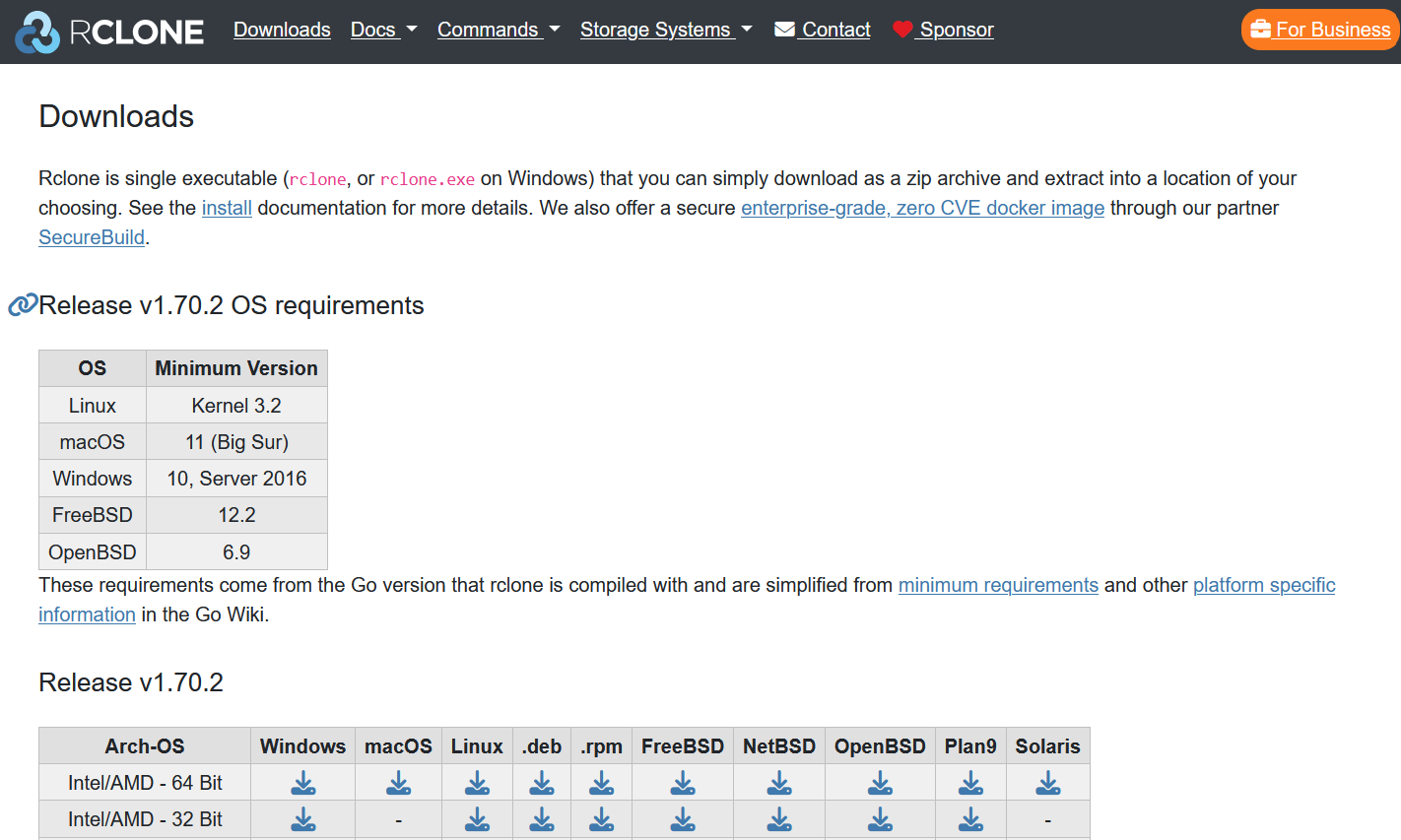
好,那麼試著更新一下設定檔
噹噹,不能用,好你個google,
說什麼存取權被封鎖,九成九是有東西又改了
查到這一篇,心中有底了,大概是api在作祟
參見:
■使用 rclone 同步 Google Drive 檔案 [Jonathan's Wiki 筆記]
https://www.ichiayi.com/tech/rclone#%E8%A8%AD%E5%AE%9A_rclone_%E5%B0%8D_google_drivephotos_library_api_%E7%9A%84_config
主要是這段線索
進行 rclone config 的建立具體怎麼操作實在是沒有概念
rclone config
n) New Remote (建立一個新的遠端連結定義)
name> (設定這個遠端連結定義名稱) Exp. JonathanGooglePhotos
Storage> (選擇 Cloud Storage 類型)
如果是 Google Drive 就要選 → 15 Google Drive
如果是要同步 Google 相簿 就要選 → 16 Google Photos
client_id> (就直接輸入 oAuth 申請的 用戶端 ID)
client_secret> (就直接輸入 oAuth 申請的 用戶端密碼)
兜兜轉轉查回rclone原廠的說明
■說明Google drive
https://rclone.org/drive/#making-your-own-client-id
Here is how to create your own Google Drive client ID for rclone:決定留一下紀錄給後面有需要中文的有緣人
Log into the Google API Console with your Google account. It doesn't matter what Google account you use. (It need not be the same account as the Google Drive you want to access)
Select a project or create a new project.
Under "ENABLE APIS AND SERVICES" search for "Drive", and enable the "Google Drive API".
Click "Credentials" in the left-side panel (not "Create credentials", which opens the wizard).
If you already configured an "Oauth Consent Screen", then skip to the next step; if not, click on "CONFIGURE CONSENT SCREEN" button (near the top right corner of the right panel), then select "External" and click on "CREATE"; on the next screen, enter an "Application name" ("rclone" is OK); enter "User Support Email" (your own email is OK); enter "Developer Contact Email" (your own email is OK); then click on "Save" (all other data is optional). You will also have to add some scopes, including
畢竟我也非資訊科原生
進到google api網站 → https://console.cloud.google.com/apis/dashboard
如圖 ↓

進去之後,通常什麼都沒有,先建立一個專案,我取名MyTest,如上圖
接著點選啟用api和服務

在空白處輸入google drive api

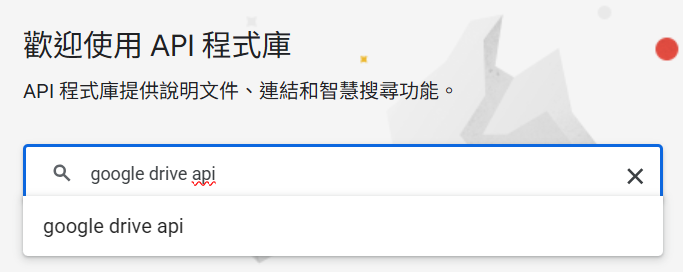
直到出現google drive api

繼續 ↓有些圖抓不到,口述有點亂:
左方的 憑證(Credentials)、OAuth同意畫面(Oauth consent screen) 記得要點選輸入
有個地方要選「外部」程式使用、軟體名稱寫rclone可也、email全部寫自己的即可
有個程式類型,選「電腦端程式」即可
有出現 client ID and client secret 要趕緊抄下來,設定rclone會用到
它會警示一旦關閉就查不到了
最後一步的"PUBLISH APP"
找這個部分↓
以上完成後,進入命令列,整個程序重跑一次
最後一步記得不用讓它自動驗證,要選N,手動驗證!
中間再輸入client ID and client secret 即可大功告成!
最後,
順便說個好東西
輸入指令後,會下載一些檔案,就有gui可用了
使用以下指令啟動WebUI,rc-user設定帳號為admin,rc-pass設定密碼為password。rc-addr後面參數接的是IP位址,localhost就是只有本機能存取Rclone WebUI,0.0.0.0則是開放遠端連線。第一次開啟的時候瀏覽器會要求帳號密碼,預設是 admin/password
rclone rcd --rc-web-gui --rc-user=admin --rc-pass=password --rc-addr localhost:5572 --rc-web-gui-no-open-browser
之後使用瀏覽器開啟http://localhost:5572。
下面gui圖形介面出來之後,還有一個帳密要輸入,查半天查一堆英文資料也沒有
最後一樣用 admin/password 即可通過
指令行出現gui有沒有很感動↓

參見:
■Rclone教學,簡單搞定Linux電腦雲端硬碟同步,支援Google雲端、OneDrive、Dropbox、MEGA · Ivon的部落格
https://ivonblog.com/posts/rclone-linux/
Comments
Post a Comment